
1.0 KiB
1.0 KiB
This is an simple Minecraft Multiplayer Clone
-
You can download the installer under: https://github.com/jonasbraus/Minecraft/releases/download/Caves-and-Chunk-Loading/Minecraft.Clone.Online.Installer.exe
-
Just keep default settings in the installer
-
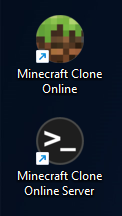
You should get this two icons on your desktop:
-
Start the server application
-
If the server has started you should get an window looking like this:

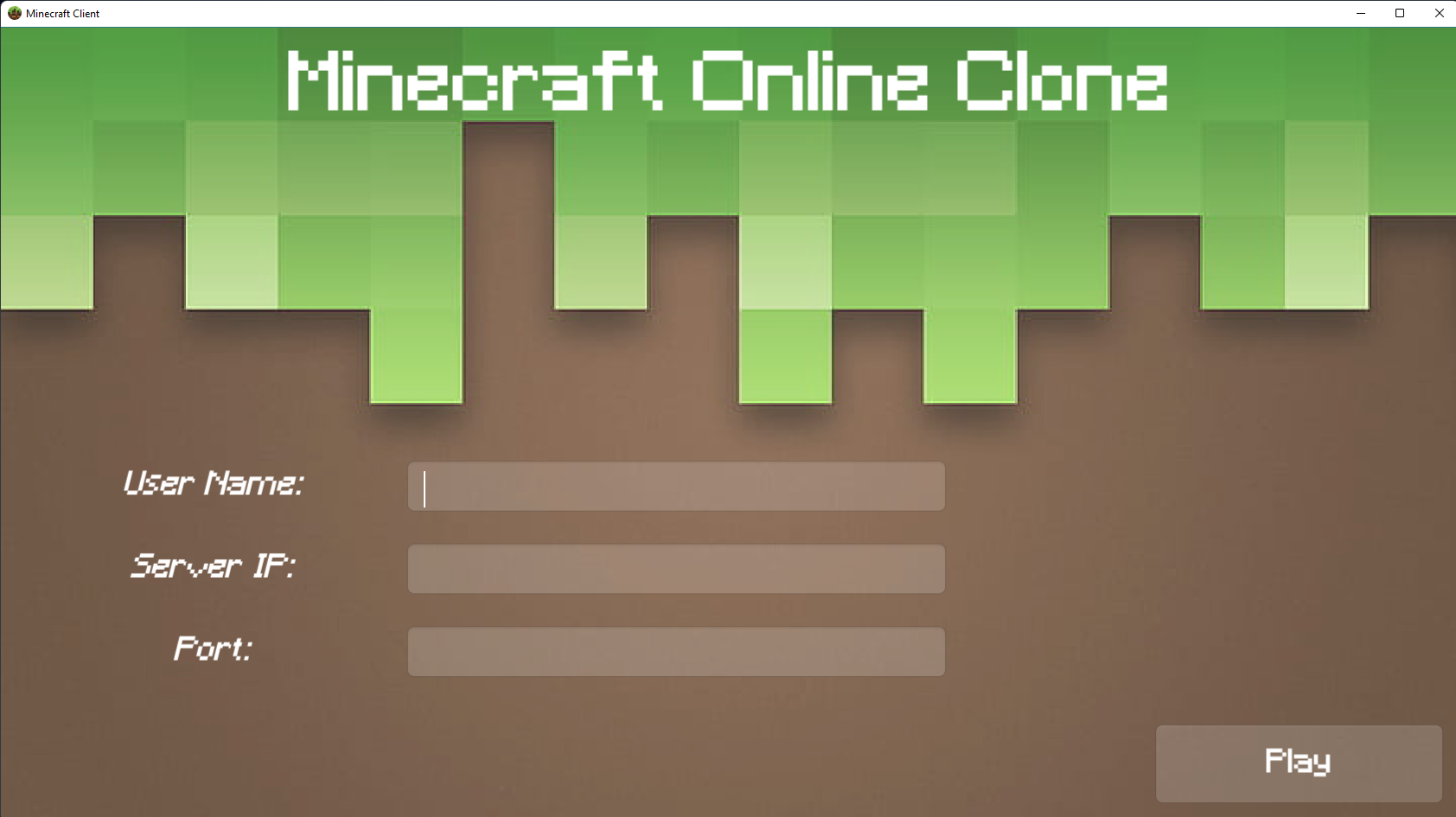
- Now start the Minecraft Clone Application
-
For "User Name" you can enter any name you want
-
If you play on your pc you can set "Server IP" to "localhost". To make others join, give them your compuers IP
-
For "Port" you can enter "8051" by default
-
Click "Play" and wait until the world has been loaded